Manage Onboarding Welcome Pop Up

Created by Carolina Martin, Modified on Fri, 13 Feb at 12:20 AM by Carolina Martin

 By selecting the individual items in the settings, you can control their visibility of the sections.
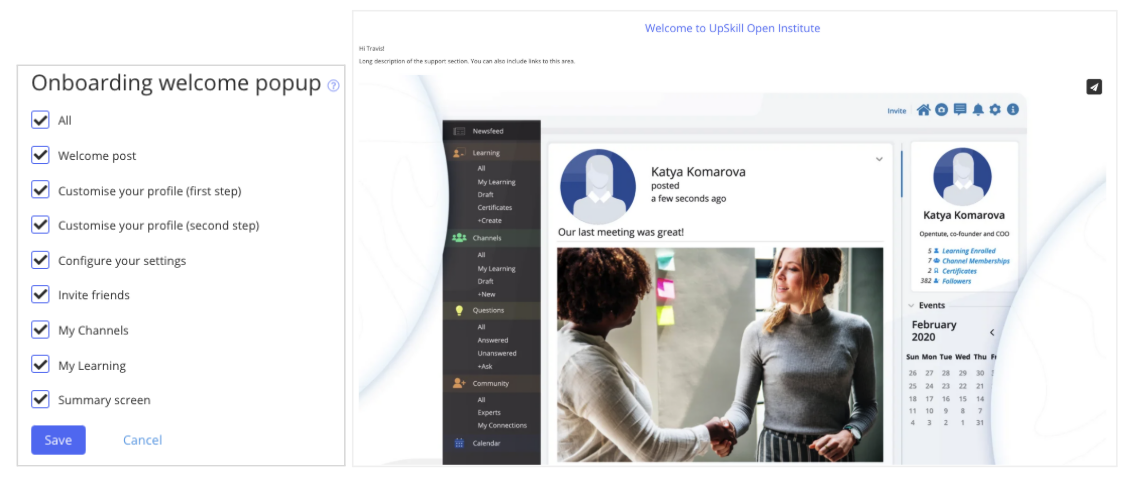
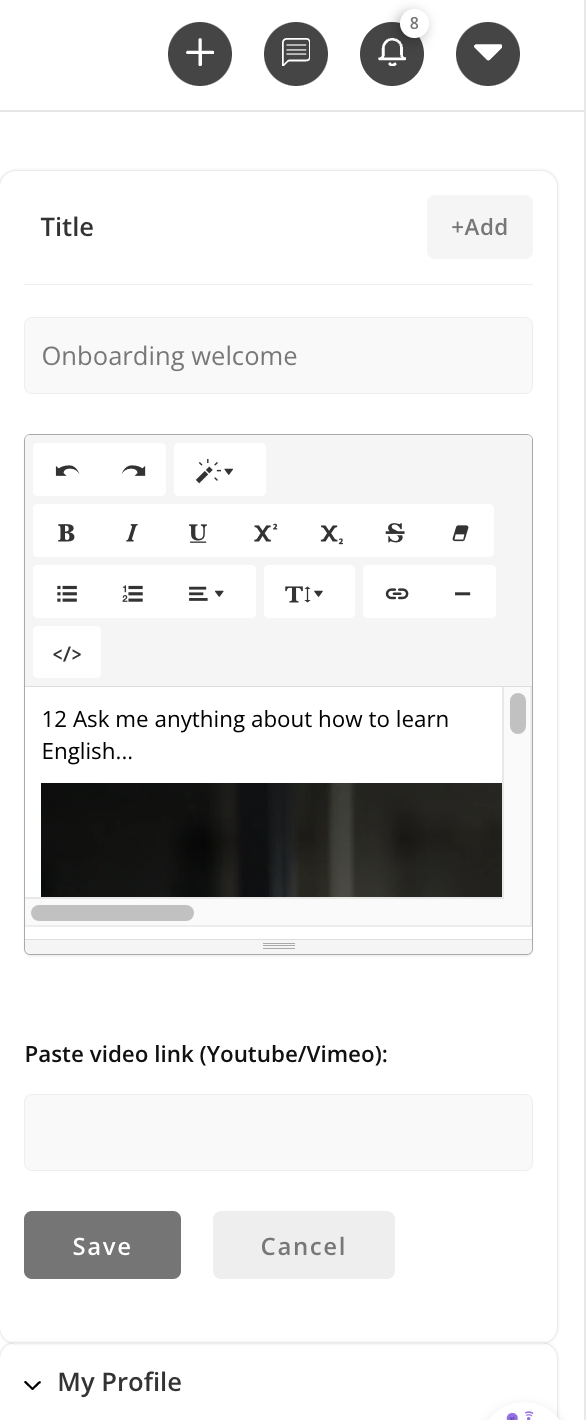
TIP: To edit the first onboarding section, edit the top-right widget on the newsfeed home page, which will then also become the first post for all new users.


A screenshot of a chat 
AI-generated content may be incorrect.


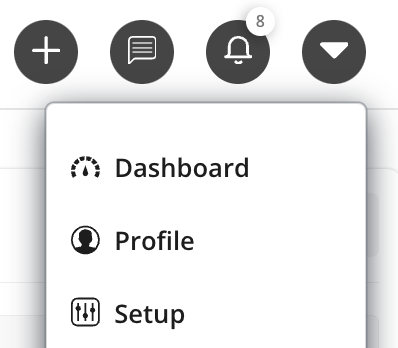
Once edited, to test the popup click "Setup":

A screenshot of a phone 
AI-generated content may be incorrect.

Was this article helpful?

That’s Great!

Thank you for your feedback

Sorry! We couldn't be helpful

Thank you for your feedback

Let us know how can we improve this article!

Select at least one of the reasons
CAPTCHA verification is required.

Feedback sent

We appreciate your effort and will try to fix the article