For Business & Enterprise Accounts only. To upgrade your account go to: https://www.coursebox.ai/pricing
Coursebox’s Community feature is a powerful and distinguishing element of the Branded Training Platform (Premium), setting it apart from standard learning management systems. It enables a dynamic, people-first approach to learning by allowing visibility, connection, and collaboration among users.
As a Super Administrator, you have full control over managing community members, user profiles, and their status. Through the Community section, you can:
- View and manage all registered learners and experts
- Control visibility and activity status of user profiles
- Support collaboration through user engagement tools
- Promote expert contributions and showcase learner progress
This section will guide you through using Coursebox’s Community and Profile Tools to foster a vibrant, interactive, and well-managed learning environment.
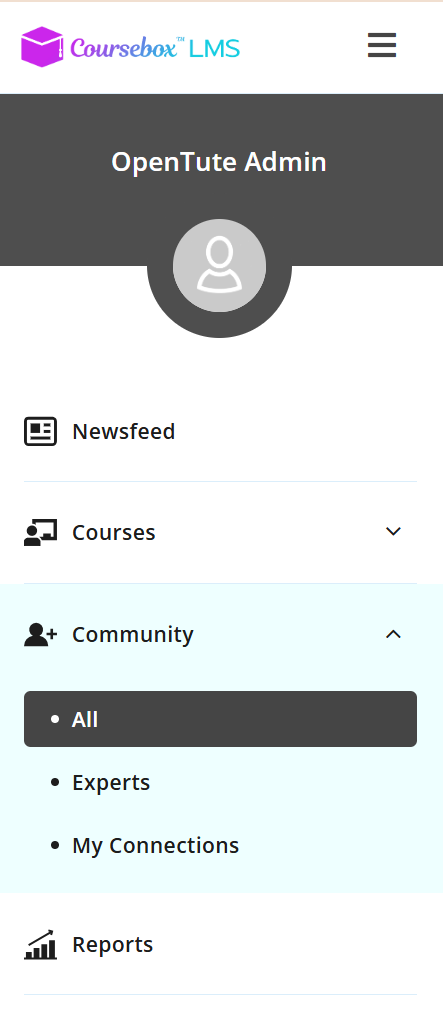
Click on the Community menu from the left-hand side navigation menu to access the community section.
Was this article helpful?
That’s Great!
Thank you for your feedback
Sorry! We couldn't be helpful
Thank you for your feedback
Feedback sent
We appreciate your effort and will try to fix the article