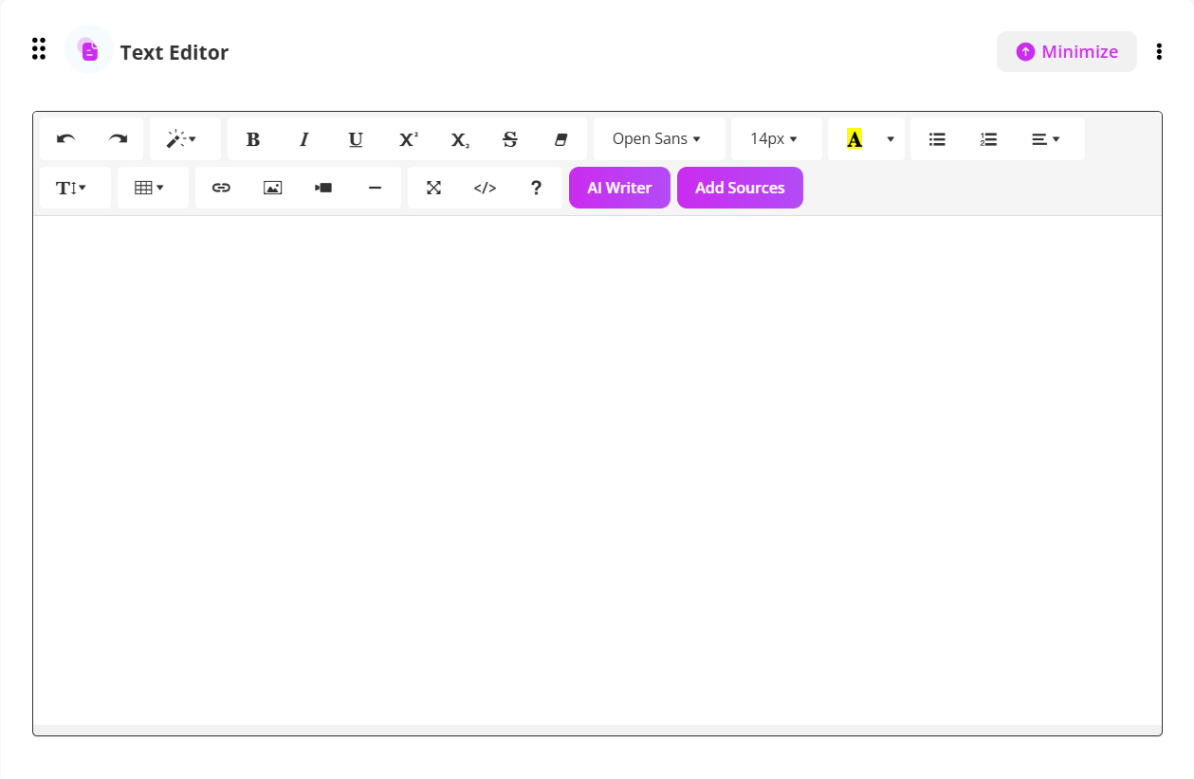
Within the Text Editor, click the purple “AI Writer” button. Enter your prompt (e.g., “Write a lesson summary about sustainability”), specify a word count, and click “Update Page.” You can choose whether to replace existing text or append the AI-generated content.
The AI Writer in Coursebox, powered by GPT-5, allows Learning Designers, Creators, and Administrators to enhance, rewrite, or expand course content directly within the platform.
This tool is ideal for
- Refining your text for clarity and engagement
- Expanding on topics to provide more depth
- Adjusting tone or style to match your audience
- Creating alternative explanations for different learning styles
Note: AI-generated content may be incorrect. Always review and edit before publishing.
The steps are:
- In Text Editor, click AI Writer
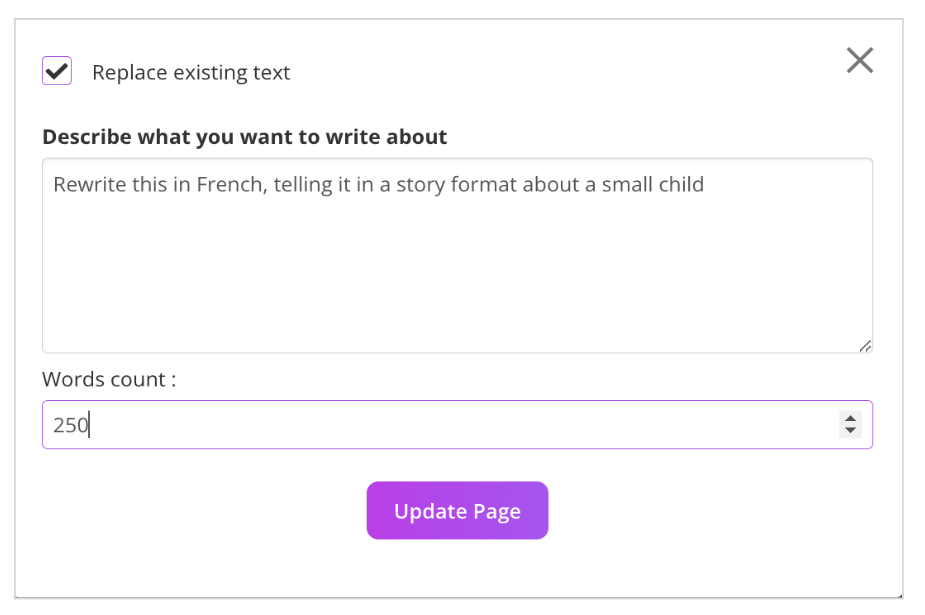
- In the popup describe how you’d like the content rewritten
- Specify the number of words required and click Update page
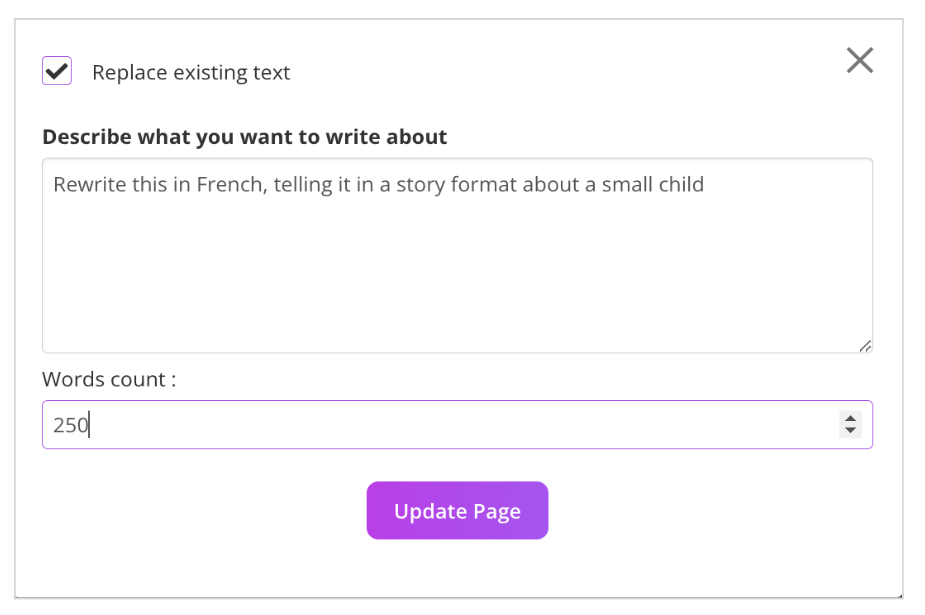
- (Optional) Deselect ‘Replace existing text’ to append additional text, instead
For more information on Coursebox AI Tools go to: AI Tools & Elements
Was this article helpful?
That’s Great!
Thank you for your feedback
Sorry! We couldn't be helpful
Thank you for your feedback
Feedback sent
We appreciate your effort and will try to fix the article