For Business & Enterprise Accounts only. To upgrade your account go to: https://www.coursebox.ai/pricing
Yes. In Portal Settings, you can edit templates for system-generated emails like registration and invitations. You can also configure Single Sign-On (SSO) using SAML 2.0 and manage language settings, notifications, and onboarding visibility.
The Super Admin can customise the automatic emails which are sent to users during the registration process.
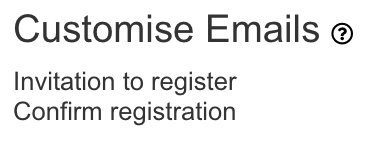
There are 2 different email templates available:
Invitation to Register:
This email is sent when you can to invite a new user to the portal.
Click on the ‘Invitation to register’ link to edit the template.
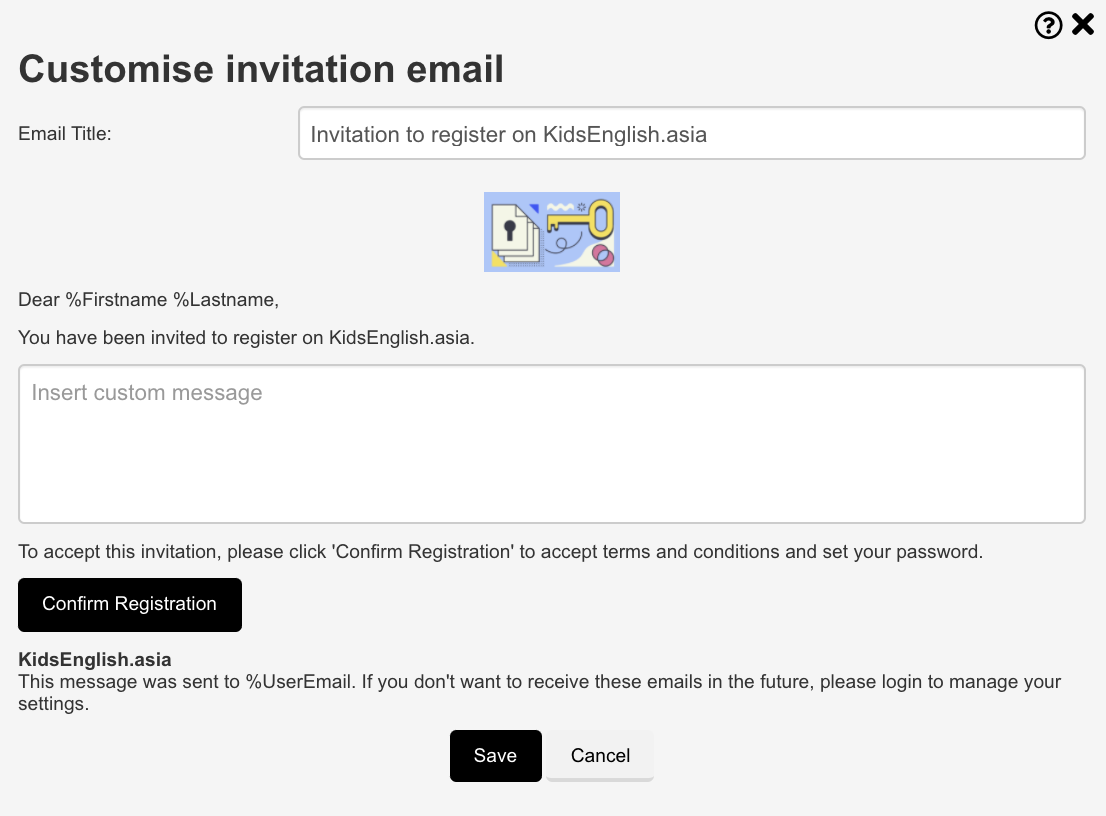
In the template, you can edit the subject and body part of the email. Click on Save to save all the changes.
Confirm Registration:
This email is sent when a user can register on the portal.
Click on the ‘Confirm Registration’ link to edit the template.
For more information on Email go to: Email & Communication Settings
Was this article helpful?
That’s Great!
Thank you for your feedback
Sorry! We couldn't be helpful
Thank you for your feedback
Feedback sent
We appreciate your effort and will try to fix the article