Absolutely. Select the manual creation option to build your course step-by-step. You’ll define the structure, create lessons and sections, upload multimedia, and add assessments. This is ideal if you want full creative and instructional control from the ground up.
Coursebox allows Learning Designers, Creators, and Administrators to build a course from scratch using the manual course creation option. This gives you full control over the structure, content, and layout from the very beginning.
The steps are:
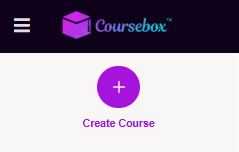
- Click 'Create Course' on the left hand side navigation
- When this page appears select ‘ Create a course manually’
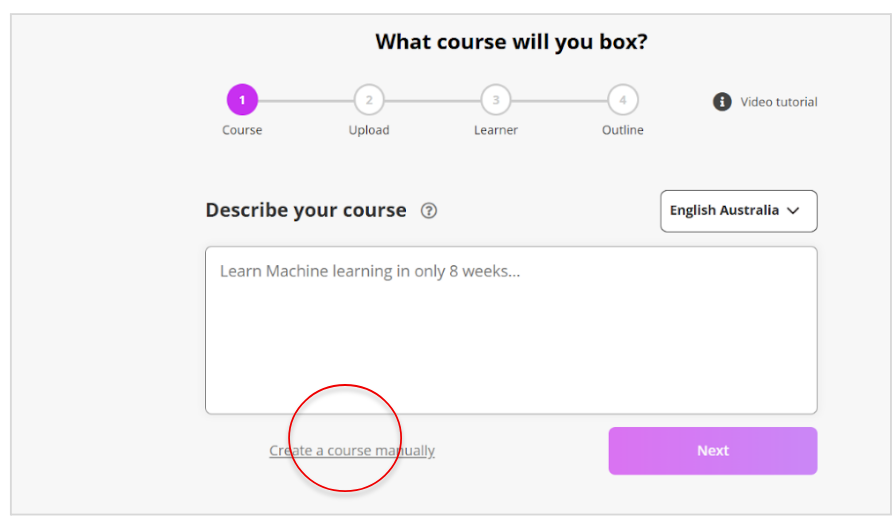
Write the Course Title & Describe your Course
During course setup, you’ll be asked to provide a course title and description that explains the purpose of the course and what learners will gain from it.
Write a clear, concise description that outlines:
What the course is about
Who it’s for
The key skills or outcomes learners can expect
This helps learners quickly understand the course’s value, context, and relevance.
Once you’ve entered your description, click Next to continue.
Example:
“This course teaches learners how to create, build, and sell online courses using Coursebox AI. By the end of the course, learners will be able to generate course content, add interactive elements, and publish their course with confidence.”
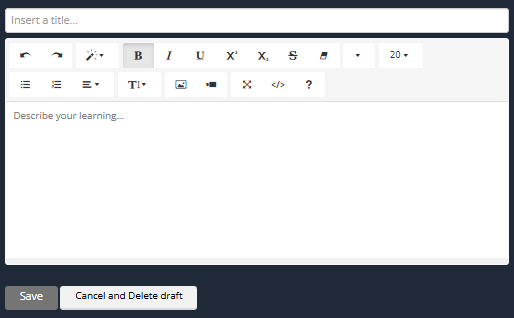
Describe Course Advantages
The buttons in the editing bar give you options to change the text much like a word document. you can add in a document, pictures or video by clicking the various icons and following the instructions for uploading.
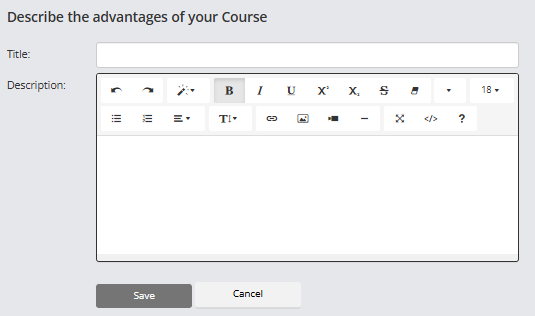
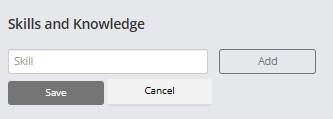
Add the Skills and Knowledge
The Skills and Knowledge section allows you to tag your course with key terms that reflect the learning outcomes. These tags help learners, administrators, and systems identify the focus areas of your course and improve discoverability.
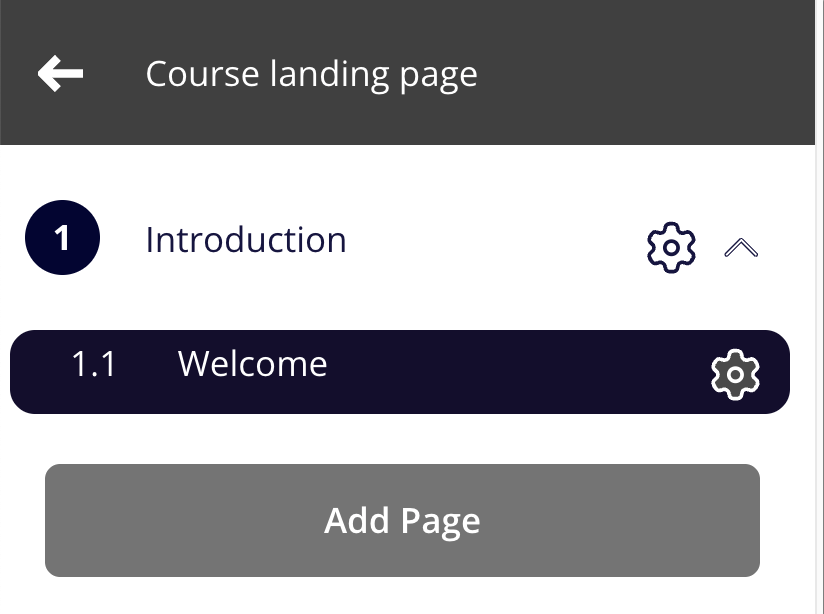
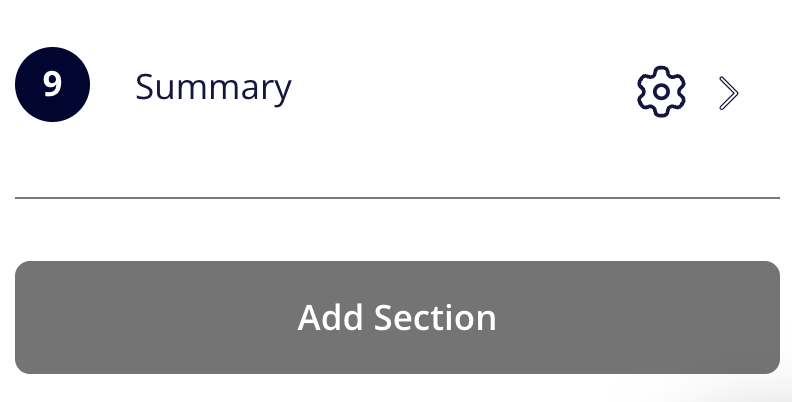
To create sections and pages manually, use the left menu:
For more information on Course Creation go to: Generation of Course Content
Watch the Tutorial Videos found in our Demonstration Video Library.
Was this article helpful?
That’s Great!
Thank you for your feedback
Sorry! We couldn't be helpful
Thank you for your feedback
Feedback sent
We appreciate your effort and will try to fix the article