Every LMS, Business, and Enterprise account on Coursebox includes a free subdomain by default (e.g. yourname.coursebox.ai).
Many organisations prefer to use their own domain or subdomain instead (e.g. courses.yourcompany.com). This is fully supported, but it does require a short manual setup process.
To begin, please contact our support team at support@coursebox.ai or create a ticket via our help desk: https://courseboxptyltd.freshdesk.com/support/home
Our team will guide you through the steps and complete the configuration for you.
Bring Your Own Domain
The Bring Your Own Domain feature allows you to connect a custom domain (for example, learn.yourdomain.com) to your Coursebox portal instead of using the default Coursebox URL.
Steps to Configure a Custom Domain
Navigate to Theme in the portal settings.
Click Theme. A new window will open displaying the portal branding options.
In the General tab, locate the Bring Your Own Domain section.
In the domain field, enter your custom domain (for example:
learn.yourdomain.com) and click Save.
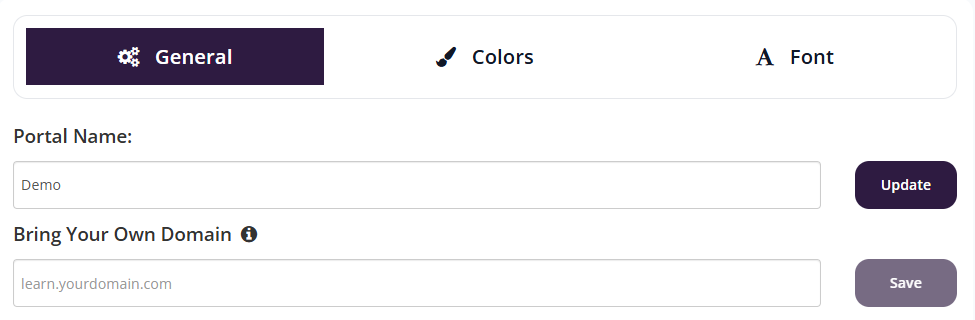
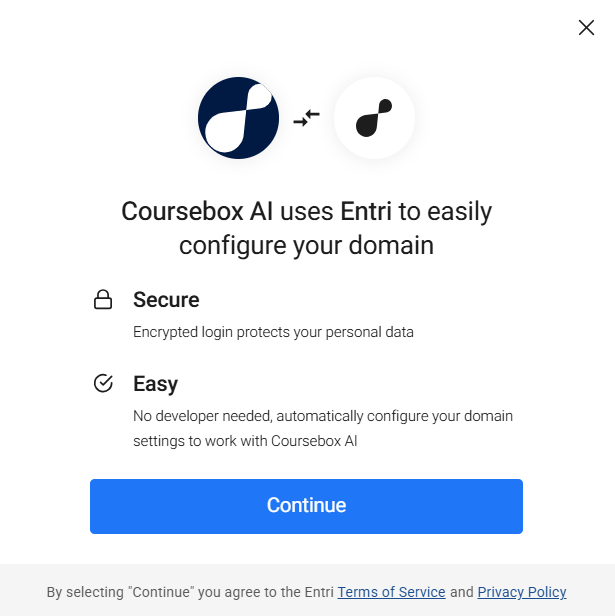
A setup window will appear to guide you through configuration
Click Continue to begin
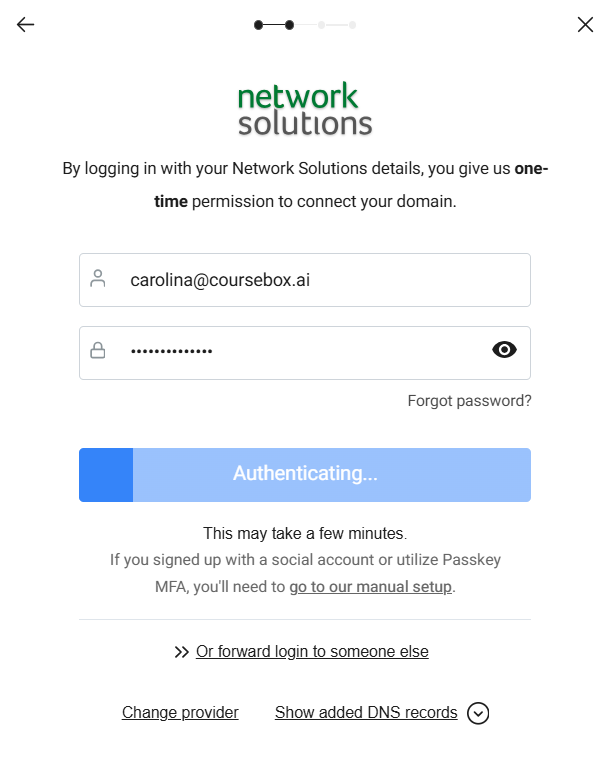
- Log in to your domain provider (e.g. Network Solutions)
- This allows automatic DNS configuration
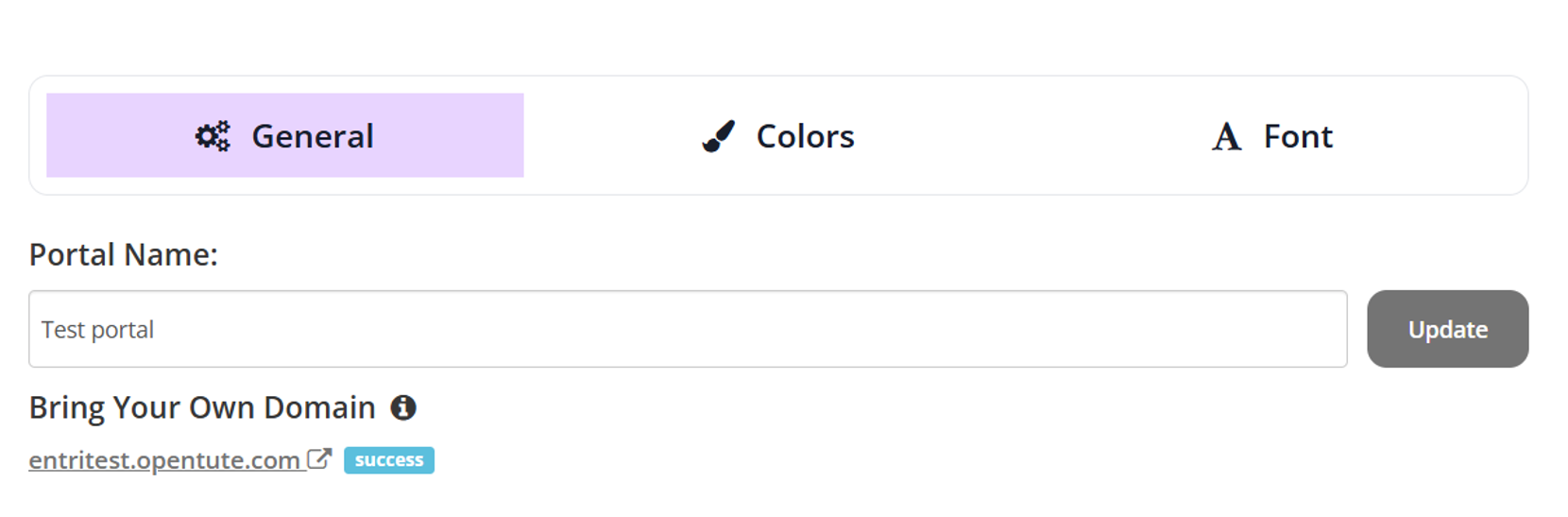
- The system will automatically configure your domain
- This may take a few minutes
When the configuration is successful, the domain will display with a success indicator.
Was this article helpful?
That’s Great!
Thank you for your feedback
Sorry! We couldn't be helpful
Thank you for your feedback
Feedback sent
We appreciate your effort and will try to fix the article