From the Calendar section, you can create events like webinars, deadlines, or onboarding sessions. Invite individuals or entire groups, sync calendars, and manage visibility. Each user can also view shared events on their personalised calendar.
The Calendar Course provides a powerful way for you to create events and view calendar of other community members.
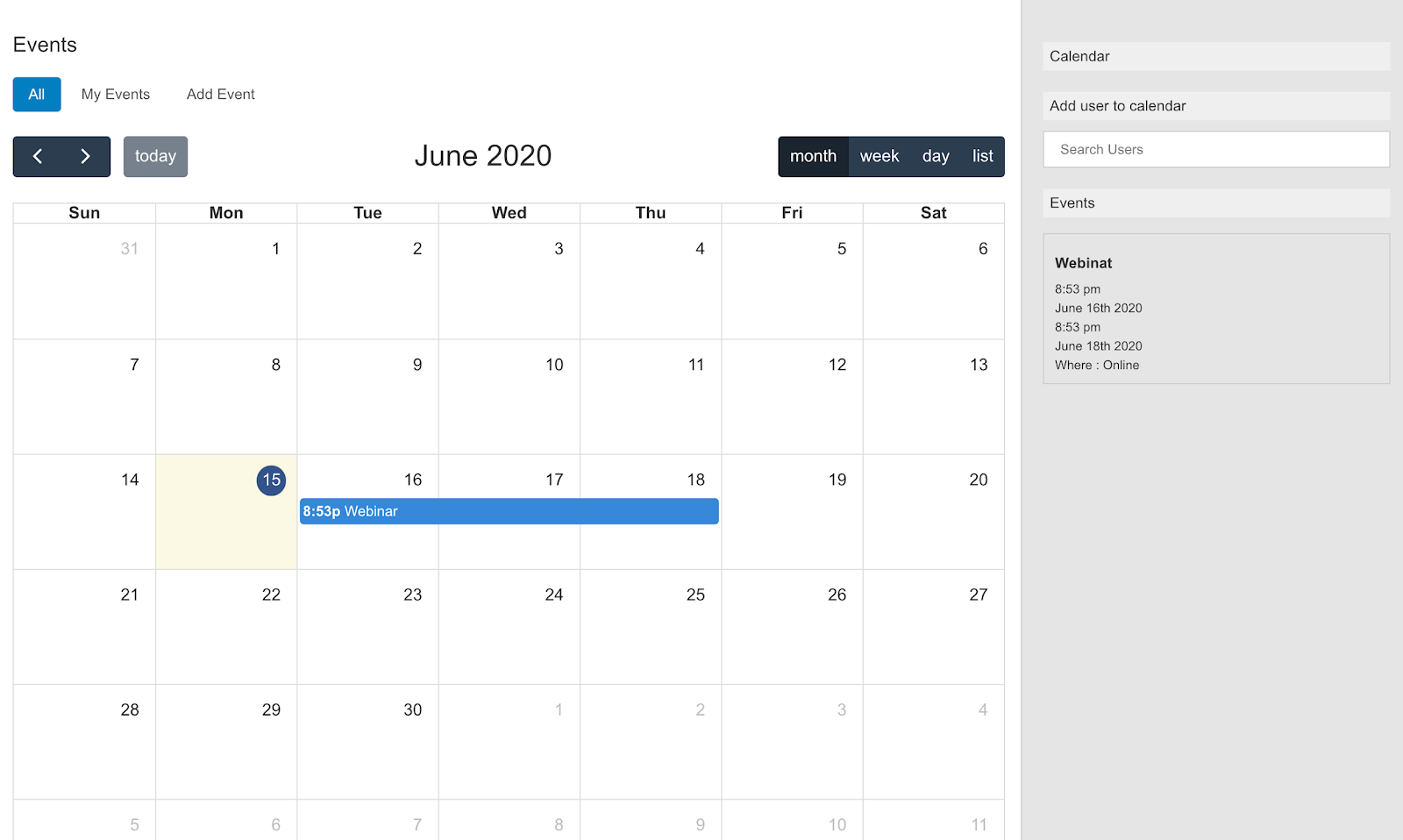
Create a Calendar Event
Click on Add Event to create a new calendar event.
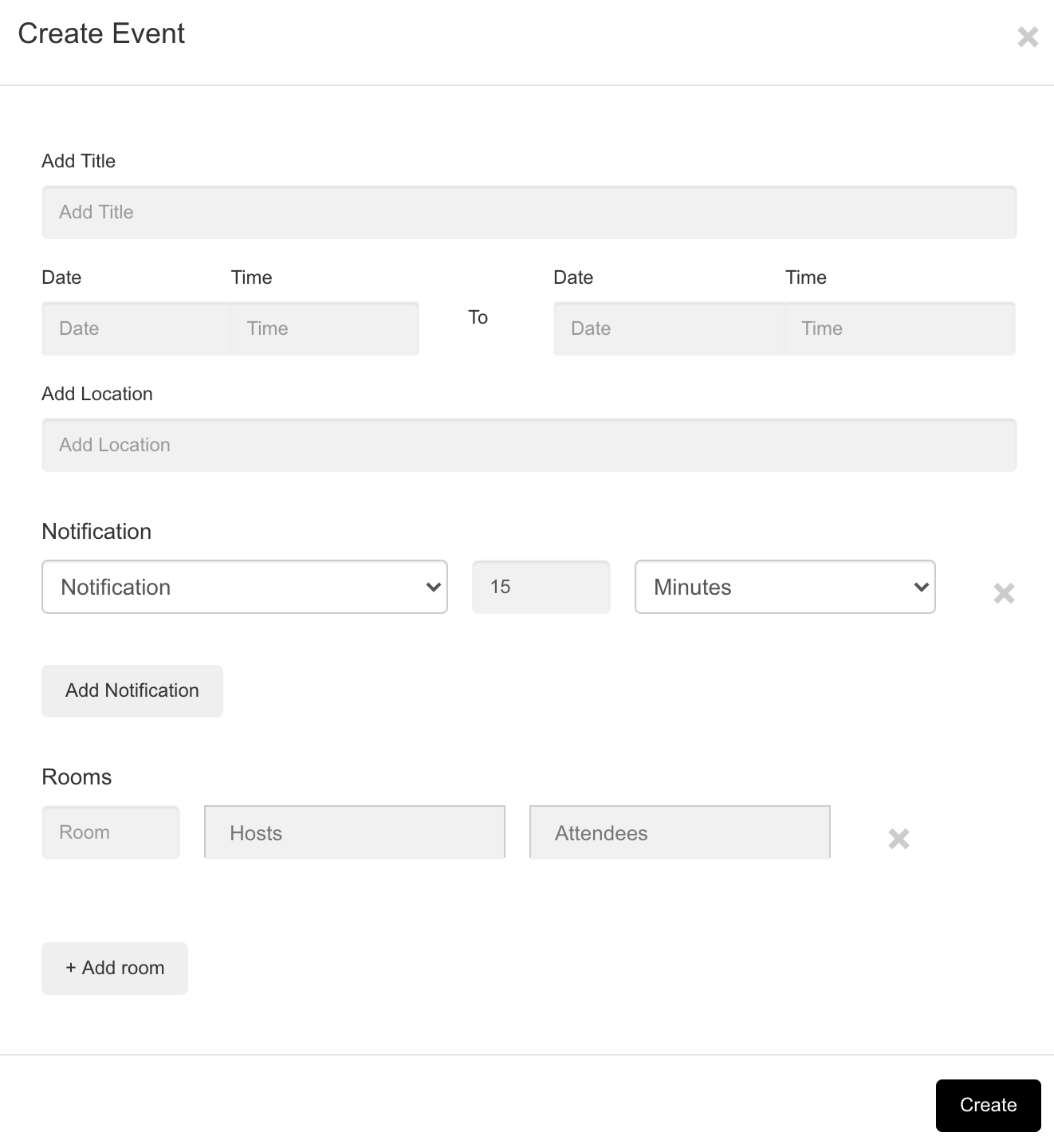
Fill in the details about the event like:
- Event Name
- Date and Time
- Location,
- Notification Settings
- Attendees
After completing the event details, click on the Create button to save the event. You can view your new event in the calendar.
For more information about Calendars go to: Calendar Setup and User Access
Was this article helpful?
That’s Great!
Thank you for your feedback
Sorry! We couldn't be helpful
Thank you for your feedback
Feedback sent
We appreciate your effort and will try to fix the article